Exercise leader / instructor
Build a situation in minutes, show it layer by layer, steer prompts and questions.
GodView Firefighter
Command training on the digital twin of your incident location. Build the situation, reveal it layer by layer, and lead the classroom through the command process.
Name, email and password, then email confirmation and acceptance of the terms. After that your fire-service organization is ready.
The tabletop
Damage, units and space order sit on the table as signs. The unit leader asks, the instructor reveals the next layer, and the room thinks the decision through together.
GodView Firefighter
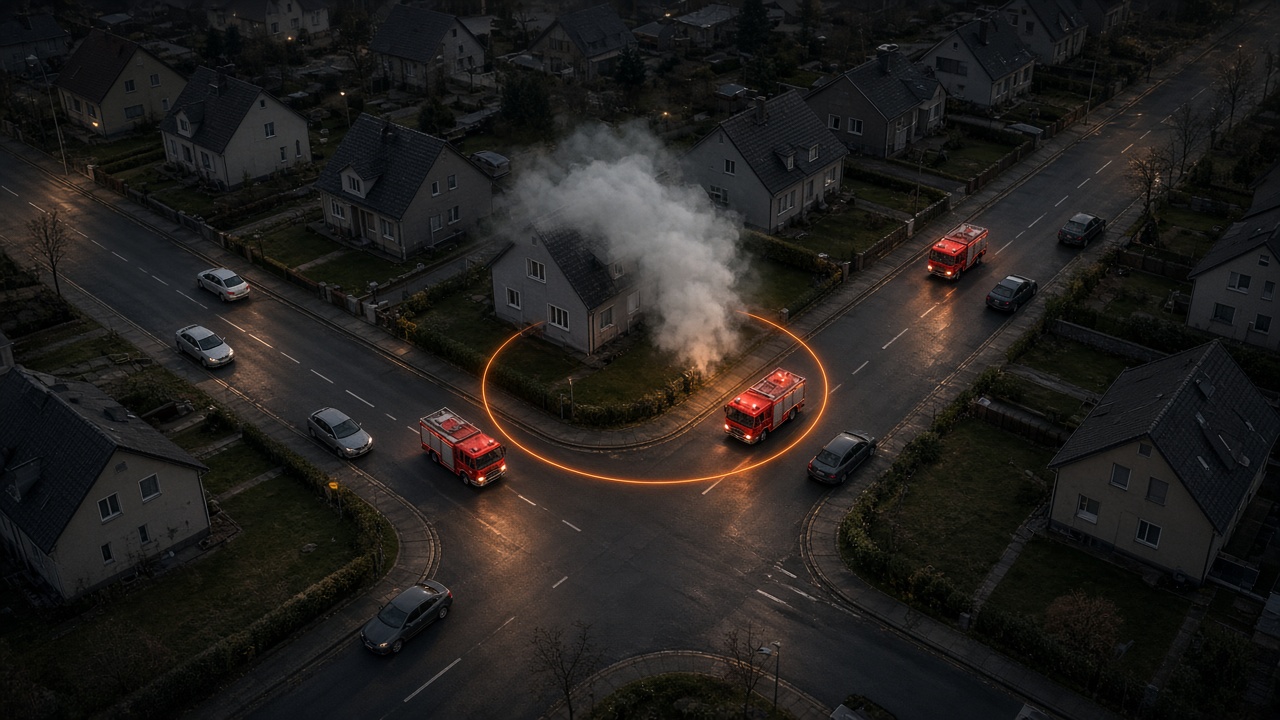
The exercise leader builds that incident on the real scene and takes the room through the command process per FwDV 100. Unit leaders speak in the circle. Everyone sees the same picture.
Instructors shape the incident. Commanders talk the decision. The classroom thinks along.
Build a situation in minutes, show it layer by layer, steer prompts and questions.
Talk the command process out loud: establish, assess, decide, order, report.
Tactics and means at the object. Water, equipment, one building face.
The same template, the same place, the same flow. Ready for the next course.
A clear flow. The incident stays visible while you build it. Once saved, the exercise opens on the approach: the instructor reveals each layer when the room is ready.
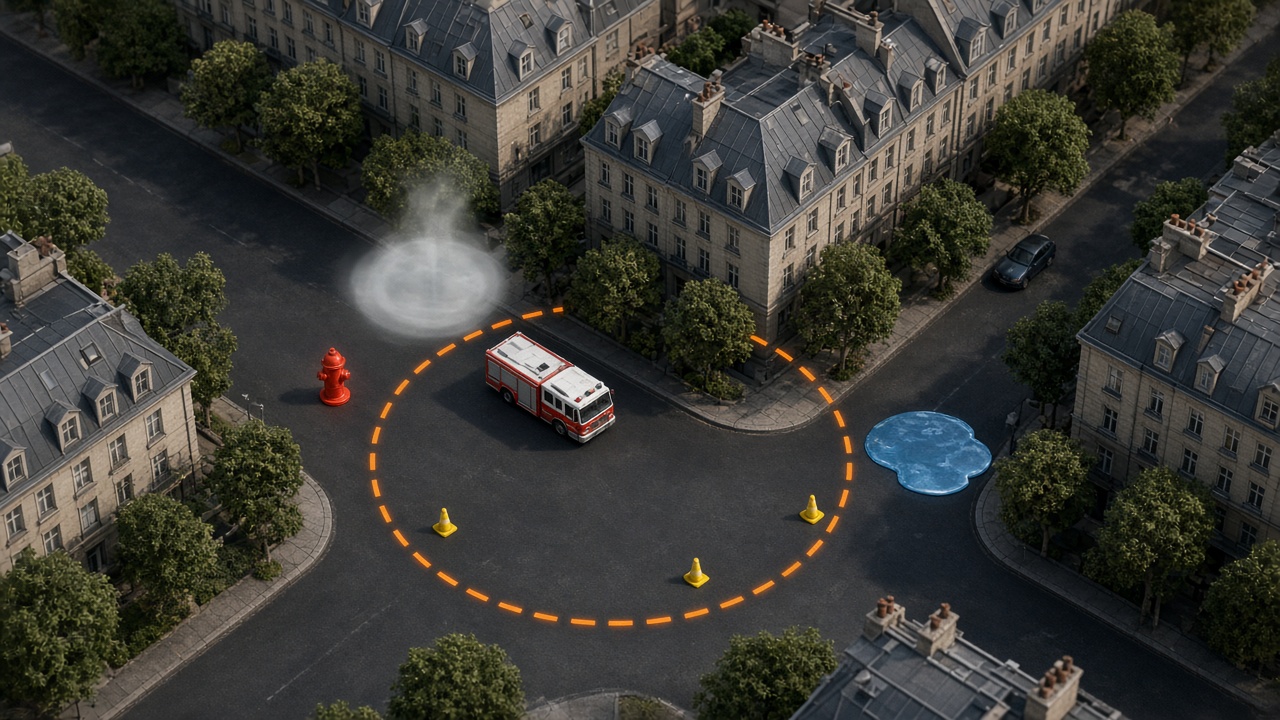
Each phase keeps its own step. The instructor moves on once the room has talked the decision through.
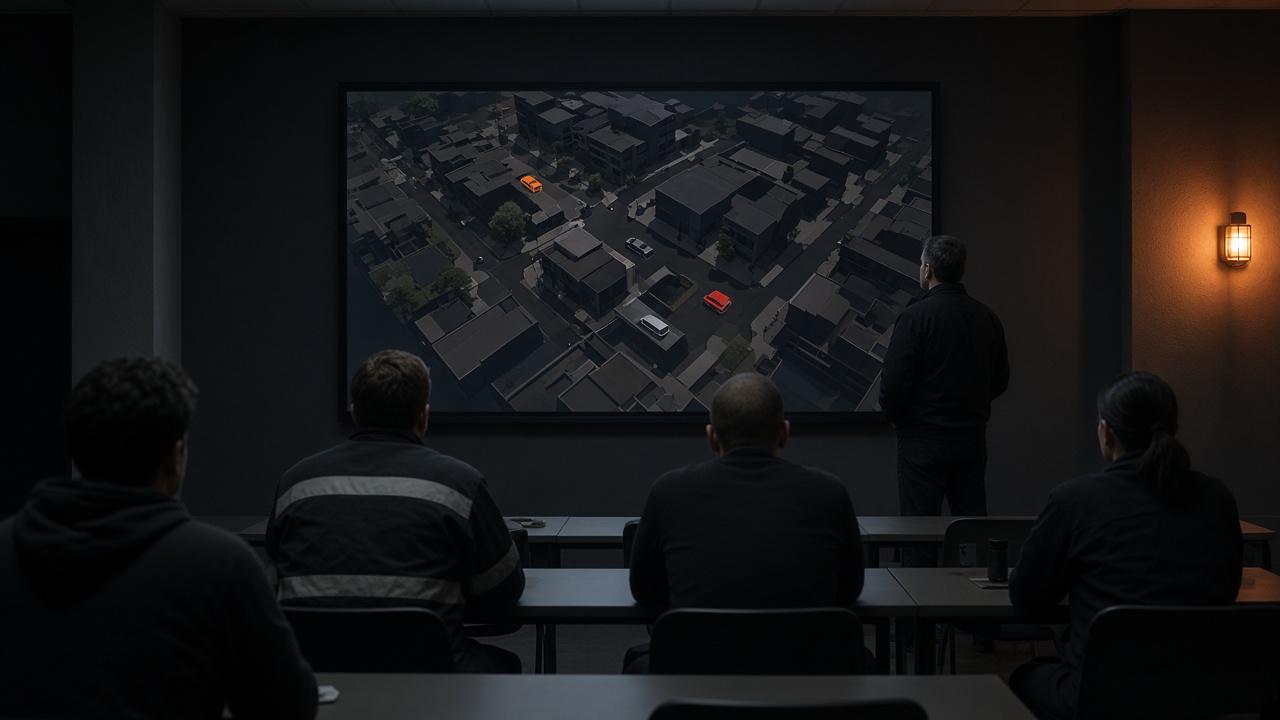
One workplace for the exercise leader. The classroom sees the same globe. The instructor shows prompts and reveals answers on request.
Smoke, vehicles and zones mean the same thing to everyone. Clear, shared, on one picture.
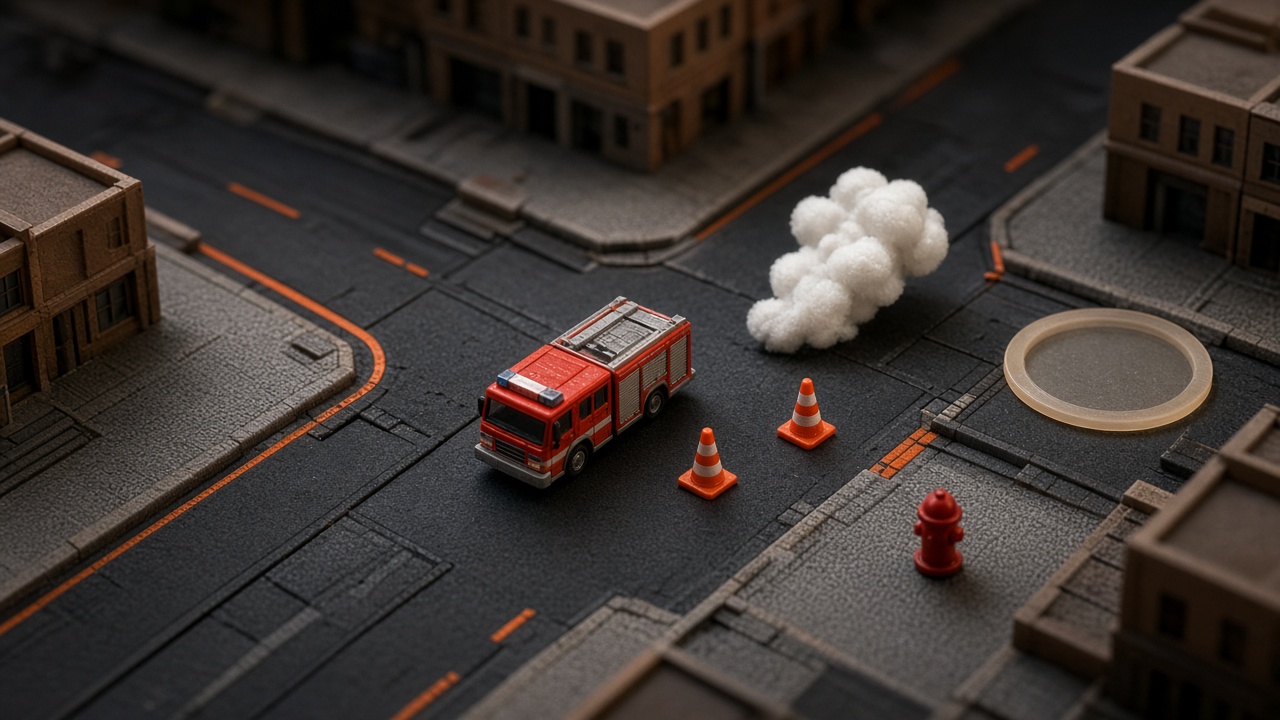
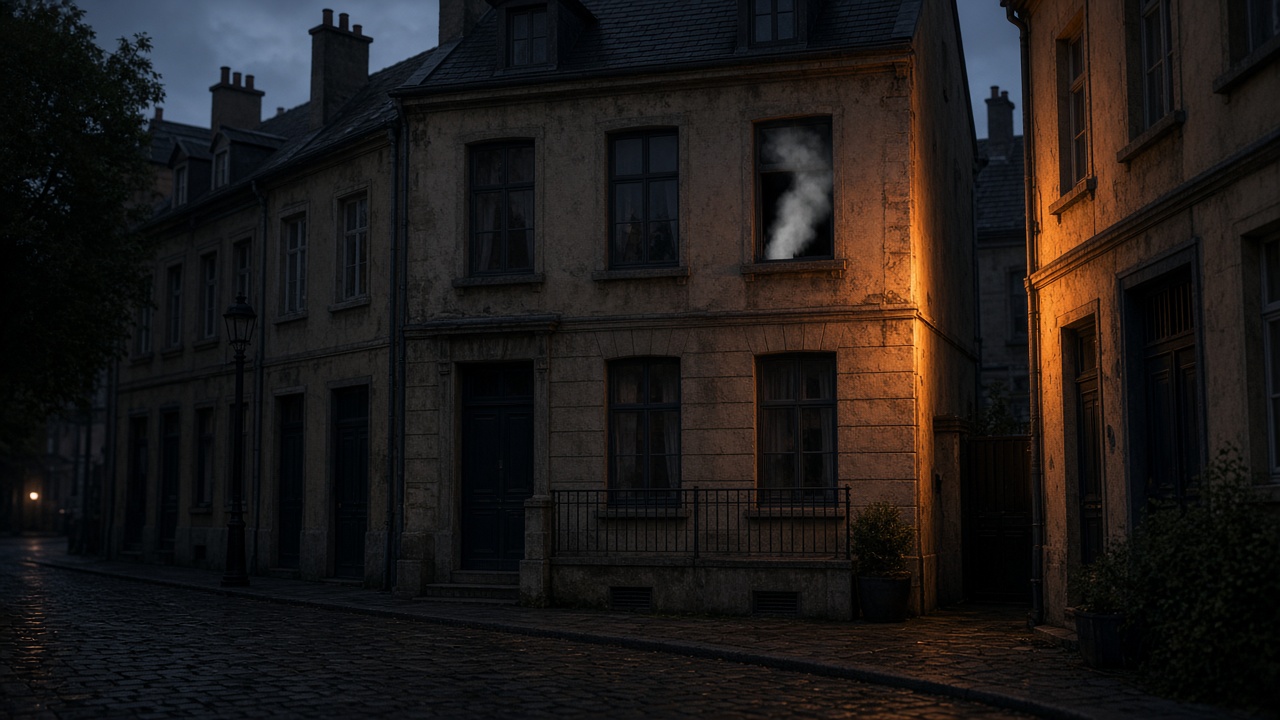
Drag and rotate vehicles. Hydrant, fence, cone, equipment. Fire effect, smoke, puddles.
Radii, drawings, markers. Cuts like the building section on the board.
Google Earth, orthophotos, 3D tiles, photos and measuring. Top-down shows the whole incident; recon stations bring you close to the object.
Each incident shows exactly the signs the lesson needs.
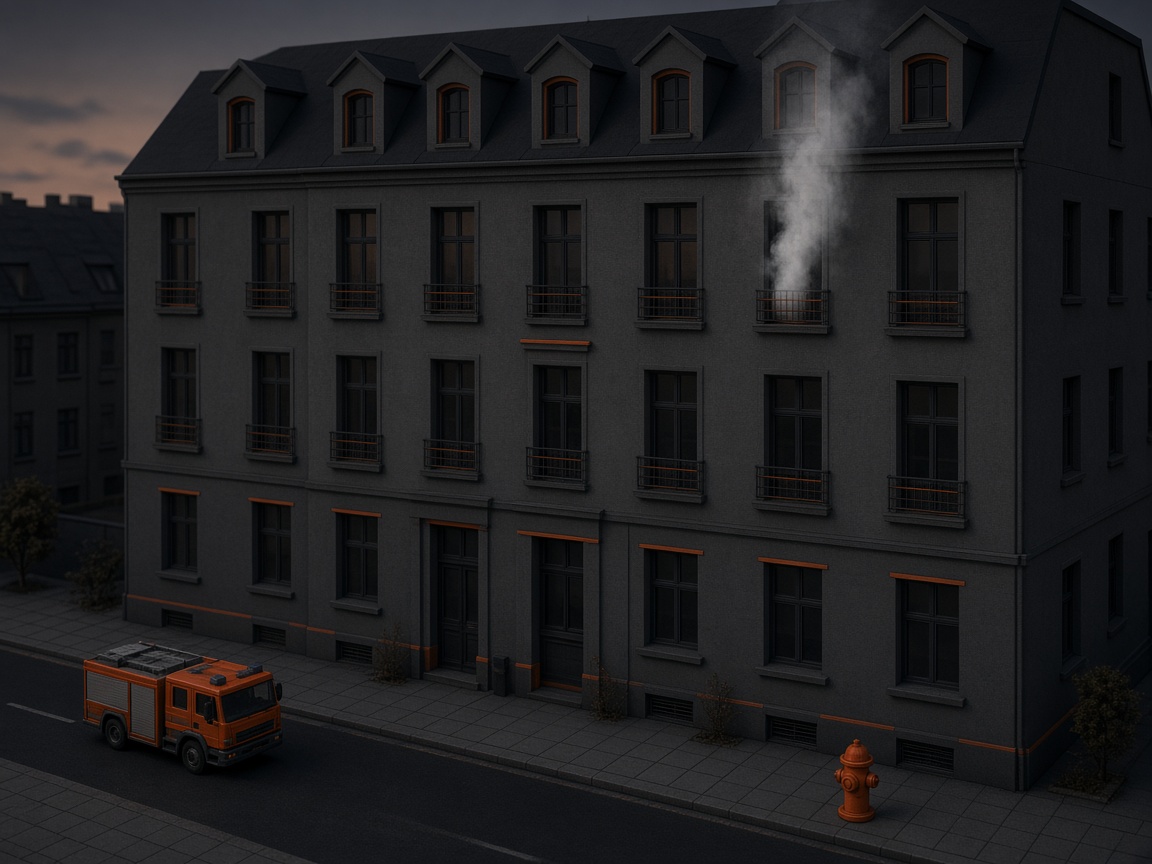
Talk fire dynamics: façade, fire and smoke, one hydrant, the first attack crew. The instructor reveals casualties on request.
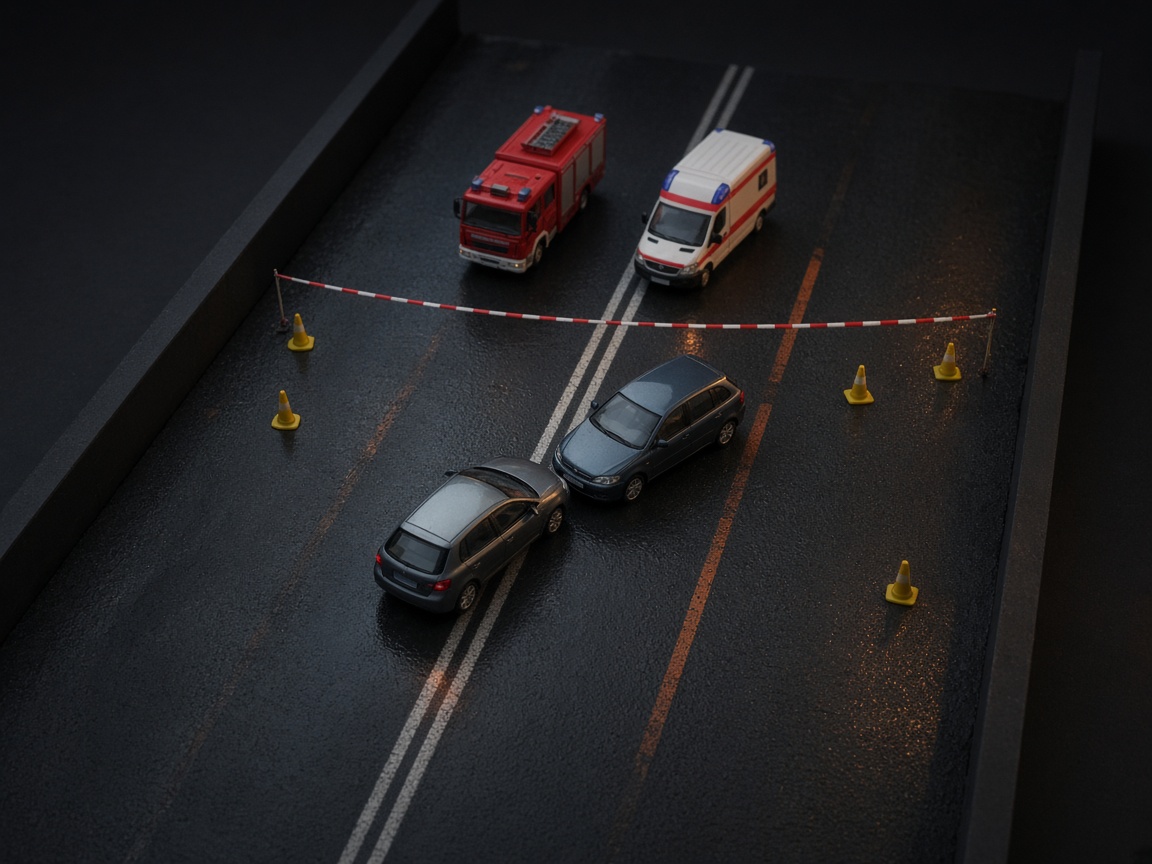
Secure before technical rescue. Traffic, cones, distance warning, exclusion zone, staging.
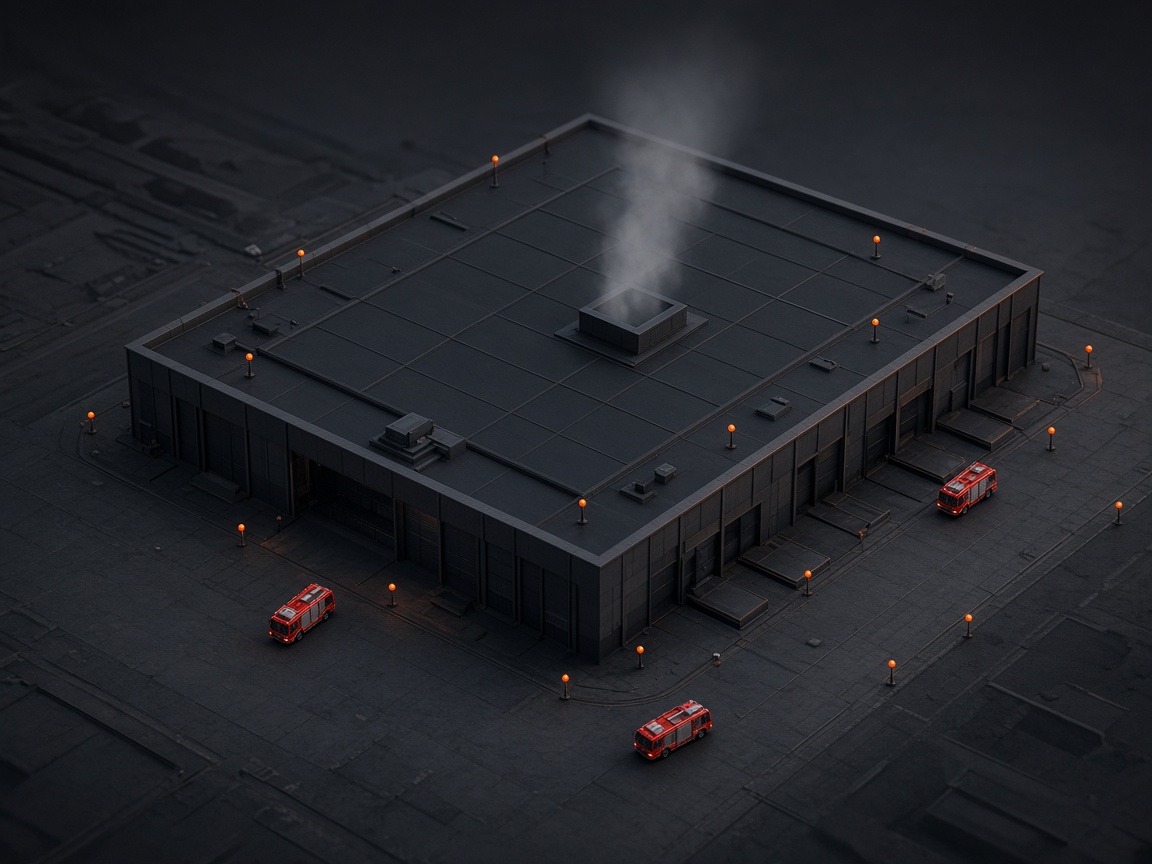
Building systems on the object. Alarm and smoke control as markers, own units set scarce. The classroom plans with what is on the incident.
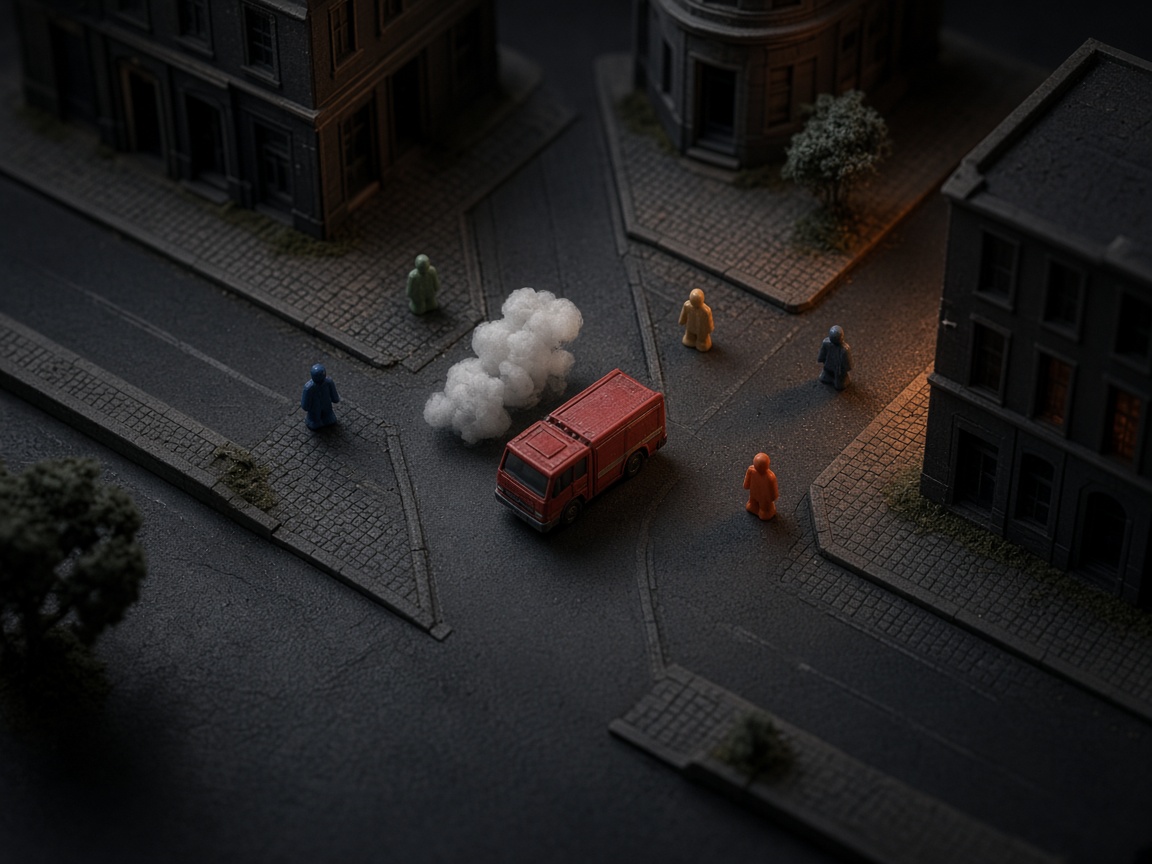
People before firefighting. Persons visible differently, one hazard stays active.
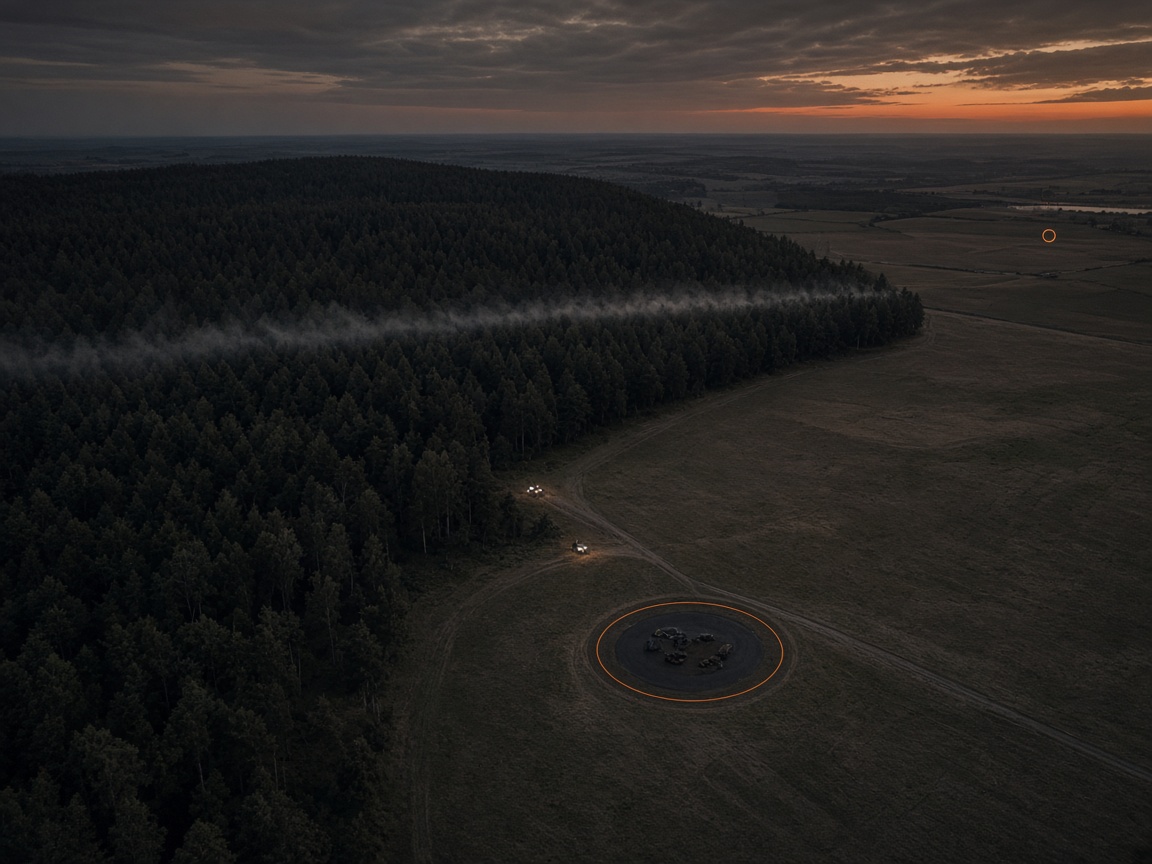
Space, water, forecast. Smoke line, distant water point, light units, staging.
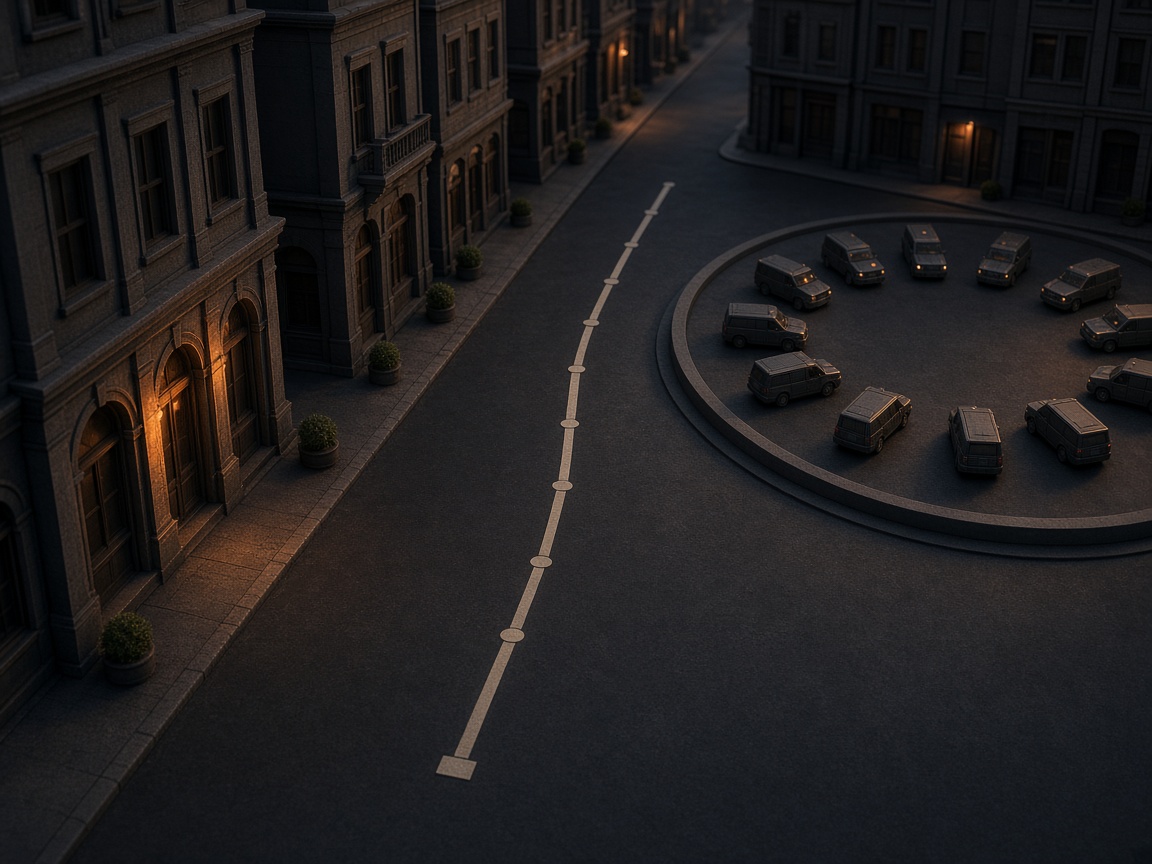
A hazard that forbids staying. Or take over command, re-order, reserve in staging.
One picture for everyone. The instructor sets the pace.
A digital tabletop on the real location, tabletop training per FwDV 100. The exercise leader leads, and the whole room sees the same state.
Prompts, follow-up questions and the next step are his. The classroom talks the decision and checks whether it works.
Save finished incidents as a recipe and hand them to the next course. When the crew should act inside the scene, take the same incident into FirefighterVR Planspiel.
One workplace, ready-made templates, the same place every time. GodView Firefighter puts the incident on the real location and runs the command process in steps the classroom can think through.
What you need for the first course.
Command training on the real location. Fire, smoke and vehicles are tokens on the digital tabletop. The classroom says whether the decision works.
It prepares the operation and debriefs it afterwards. The command process stays in clear steps: establish, assess, decide, order, report.
Through one workplace: the exercise leader. The whole room sees the same state on the globe.
In stations: about 50 metres first, then frontal, at the access and all around. The unit leader asks for what is still missing. The instructor reveals it.
Yes. Point the camera at your street or your building. Google Earth or your own 3D data is the place; the tokens sit on it.
GodView Firefighter runs the incident in the classroom. Take finished incidents into FirefighterVR Planspiel when the crew should act inside the scene.
The instructor. He moves on when the room is ready. From establishing the situation through to the check, step by step.
Pricing on request. We prepare an offer for courses, schools or county training.
Use Create fire service organization, then enter name, email and password. You confirm your email and accept the terms. After that you build incidents, place tokens and run the command process.
You create the organization yourself. For pricing or course planning, we are easy to reach.
Pricing on request.
Name, email and password. You confirm your email and accept the terms. Then you open your incident.
Already have an account? Login